

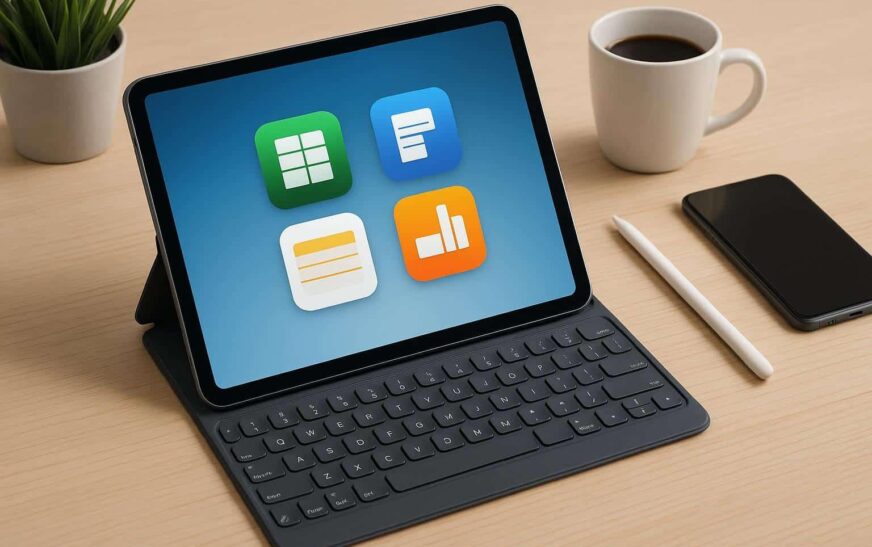
My daughter’s laptop died two days before finals. I handed her my old tablet just so she’d have something, figuring she’d complain about it the whole week. Instead she wrote a full research paper on it, sat through three Zoom study sessions, and told me she almost liked it more than her laptop.
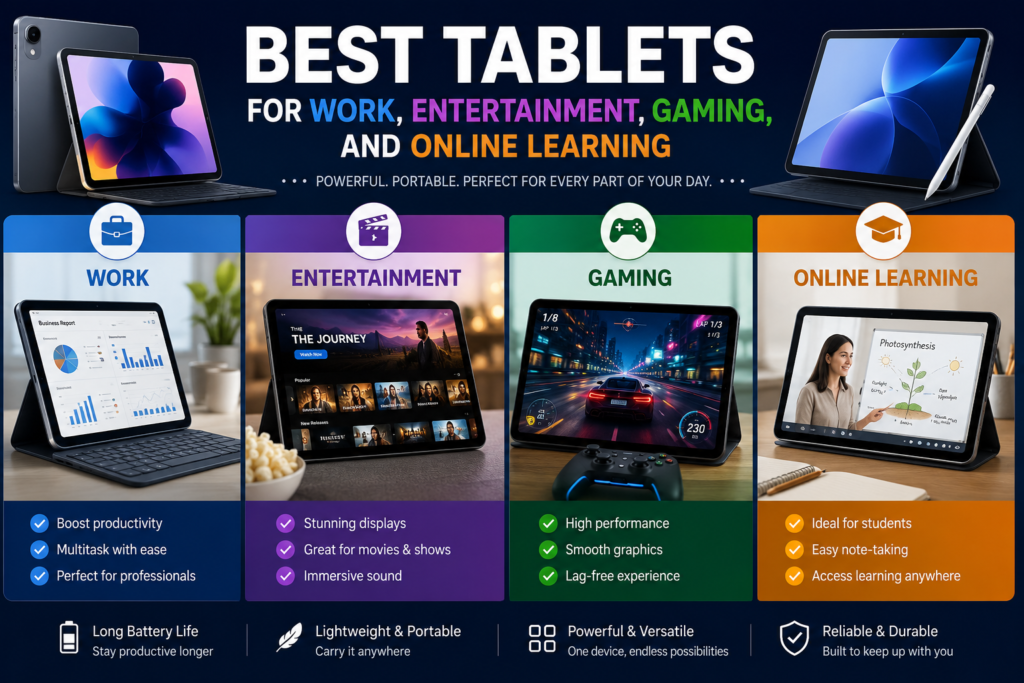
That threw me off a little. I’d always thought of tablets as the thing you watch Netflix on in bed, not something you actually get work done on. So I spent the next few months testing a pile of them for my own freelance writing, my son’s gaming, and her online classes, and this is what actually held up.
Nobody Really Agrees On What “Best” Means Here
Walk into any store and every tablet claims to do everything. Work, games, movies, school, all of it. In practice they don’t, not equally. Something always gives a little.
So instead of chasing one perfect answer, I split this by what people actually use tablets for, based on months of using them that way myself.
For Work
The iPad Air is the one I keep coming back to. It runs Apple’s M4 chip now with 12GB of RAM, and multitasking finally feels smooth instead of something you fight with. I write on mine most days, usually with a keyboard case, and split-screen with research on one side and a Google Doc on the other has basically become my whole workflow. It costs less than the iPad Pro and does more than most people will ever push it to do.
If you’re not an Apple person, the Samsung Galaxy Tab S11 Ultra holds its own. Samsung’s DeX software turns it into something like a desktop once you plug in a mouse and keyboard, which saved me on a trip where I forgot my laptop charger entirely. The 14.6-inch screen gives real room for spreadsheets, and the battery outlasted my expectations through a full workday. The one catch is app compatibility. A few professional tools I use only run properly on iPadOS, so check that before switching sides.
And if money’s tight, don’t overlook the OnePlus Pad Go 2. Its screen has an odd 7:5 ratio instead of the usual widescreen shape, and that extra vertical space made split-screen work feel less cramped than I expected. Battery life was the real surprise, past sixteen hours in continuous use, longer than tablets twice the price.
For Watching Stuff
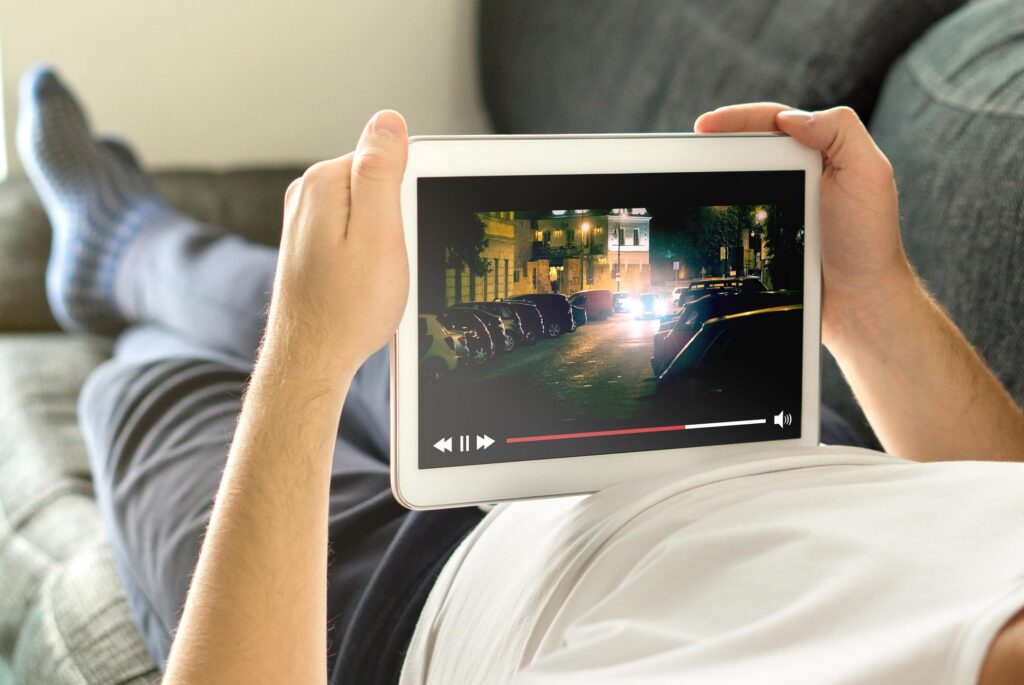
Not everyone needs a workhorse. If streaming and browsing cover most of what you’ll use it for, Apple’s regular iPad, the eleventh generation, still does the job without the Air’s price tag. My mom’s had one for over a year, mostly for shows and video calls with her grandkids. Zero complaints. For a lot of people that’s genuinely all a tablet has to be.
Want something bigger and more cinematic? The Galaxy Tab S10 Ultra has a screen that makes movie night feel closer to a small home theater. It handles bright rooms and dark ones about equally well, and Samsung built in water resistance, something no iPad offers, which actually matters if you’re the type to watch something in the bath or by the pool.
On a budget, the Fire HD 10 is still hard to beat. Streaming, casual games, reading, it covers all of it. Just know it runs a version of Android tied to Amazon’s app store instead of Google Play, so your app choices are narrower. My son’s had one for a year and it’s survived drops that would’ve killed anything nicer. Good first tablet for a kid.
For Gaming
This is where the Asus ROG Flow Z13 stands apart, because it runs full Windows, not a mobile OS pretending to be one. Real PC games, not scaled-down app store versions. My son uses his for homework during the day and actual PC titles at night, and it handles demanding games at solid frame rates. You pay for that though. This isn’t for someone testing the waters, it’s for someone who already knows they want serious power.
If you’re more into mobile titles or cloud streaming, the RedMagic Astra punches above its size. It ran Xbox Game Pass streaming and mobile games smoothly through long sessions where cheaper tablets started to choke, all at a fraction of the Flow Z13’s price.
And yes, the Fire HD 10 shows up here too, for casual stuff like Stardew Valley or puzzle games. Nothing demanding, but for younger kids or casual players it covers the basics fine.
For Online Learning

Back to that exam-week emergency. My daughter kept using a standard iPad the rest of the semester, and it’s what convinced me it’s still the best overall pick for students. Apple Pencil support, even on the base model, makes annotating PDFs and taking notes genuinely useful instead of a gimmick. Split-screen lets her keep lecture slides open while typing notes, and the App Store just has more education apps than Android tends to.
Tighter budget? Samsung’s Galaxy Tab A series covers video calls, document editing, and basic research fine. It won’t touch heavier creative work, but most coursework doesn’t need that anyway.
If most of the learning happens through streamed lectures, the Lenovo Tab Extreme has a surprisingly good display for the price, even though its processing power trails Apple and Samsung’s top models.
How I’d Actually Choose One
Start with how you’ll really use it, not how you imagine using it. If most of your time is going to be spent watching videos, don’t pay extra for gaming specs you’ll never touch.
Set a number before you start browsing. Prices swing from under two hundred dollars to well over a thousand, and knowing your limit ahead of time keeps a salesperson from talking you into an upgrade you don’t need.
Think about what phone or laptop you already own. An iPad plays nicely with an iPhone or Mac through Handoff and iCloud. Android tablets from Samsung or OnePlus tend to pair better if that’s what your phone already is.
Remember accessories cost extra. A decent keyboard case or stylus can add a hundred dollars or more on top of the tablet itself, so budget for that instead of getting surprised at checkout.
And read actual hands-on reviews, not just spec sheets. Numbers on a page don’t tell you a tablet overheats after twenty minutes of gaming, or that a software update introduced a bug that took months to fix. Real usage reviews catch that stuff.
Where People Usually Go Wrong
Storage gets too much attention compared to processing power. A tablet with huge storage but a weak chip will still lag the moment you try to multitask, no matter how many gigabytes it’s carrying.
Battery life claims get taken at face value too often. Gaming and video editing drain a battery far faster than reading or scrolling, so look for reviews with real numbers tied to how you’ll actually use it, not the manufacturer’s best-case scenario.
People also forget how long software support lasts. Some budget Android tablets stop getting updates within a couple years. Apple and Samsung’s higher-end line tends to support devices much longer, which matters more than it seems at purchase time.
There’s also a common assumption that all Android tablets have the same apps available. Fire tablets run through Amazon’s own store, not Google Play, so plenty of expected apps just aren’t there.
And accessory support gets overlooked constantly. Some budget tablets barely handle a keyboard or stylus properly, which is a real problem if note-taking matters to you.
Final Thoughts
That emergency laptop swap changed how I think about these things. What started as a temporary fix turned into months of testing across work, gaming, school, and lazy Sunday streaming.
There isn’t one perfect tablet no matter what the ads want you to believe. It comes down to what you actually need most, serious gaming power, all-day productivity, cheap reliable entertainment, or something dependable for classwork.
Be honest with yourself about how you’ll use it, pick a number you’re comfortable spending, and check recent reviews before handing over your card. Get that right, and it’s something you’ll reach for daily instead of a device buried in a drawer within a month.